



Digitraly

Analytics Looks Back While

Pulse AI Leads Forward

Static Dashboard
Manual Analysis
Heavy Analyst Dependency
Long KPI Answer Times
Static Dashboard
Manual Analysis
Heavy Analyst Dependency
Long KPI Answer Times
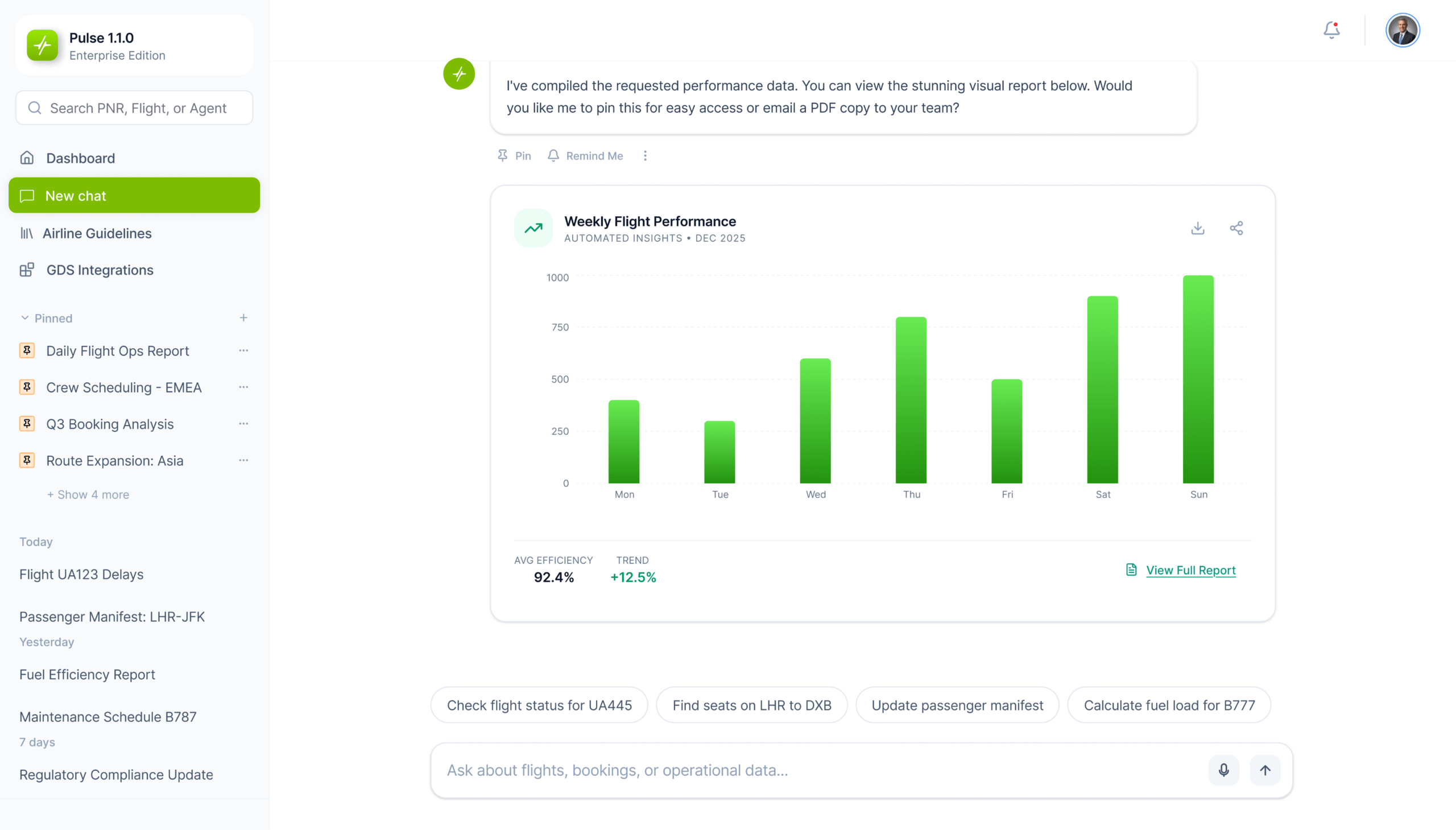
Chat Screen

Analytics Looks Back While

Pulse AI works

1. Connect Your Data

Integrate CRMs, ERPs, databases, and APIs into one secure, unified, decision-ready layer with encryption and role-based access built in.

Ask questions like “Why is revenue down?” or “Predict Q4” and get instant AI answers.

Automatic trends, anomalies, root-cause analysis, and forecasts — explained clearly.

AI workflows handle lead scoring, fraud alerts, inventory optimization, churn prevention, and more.

DSS sends concise AI-generated summaries with KPIs and recommendations.

dss-works.png
DSS Worsk
Analytics
Dashboard
Layout

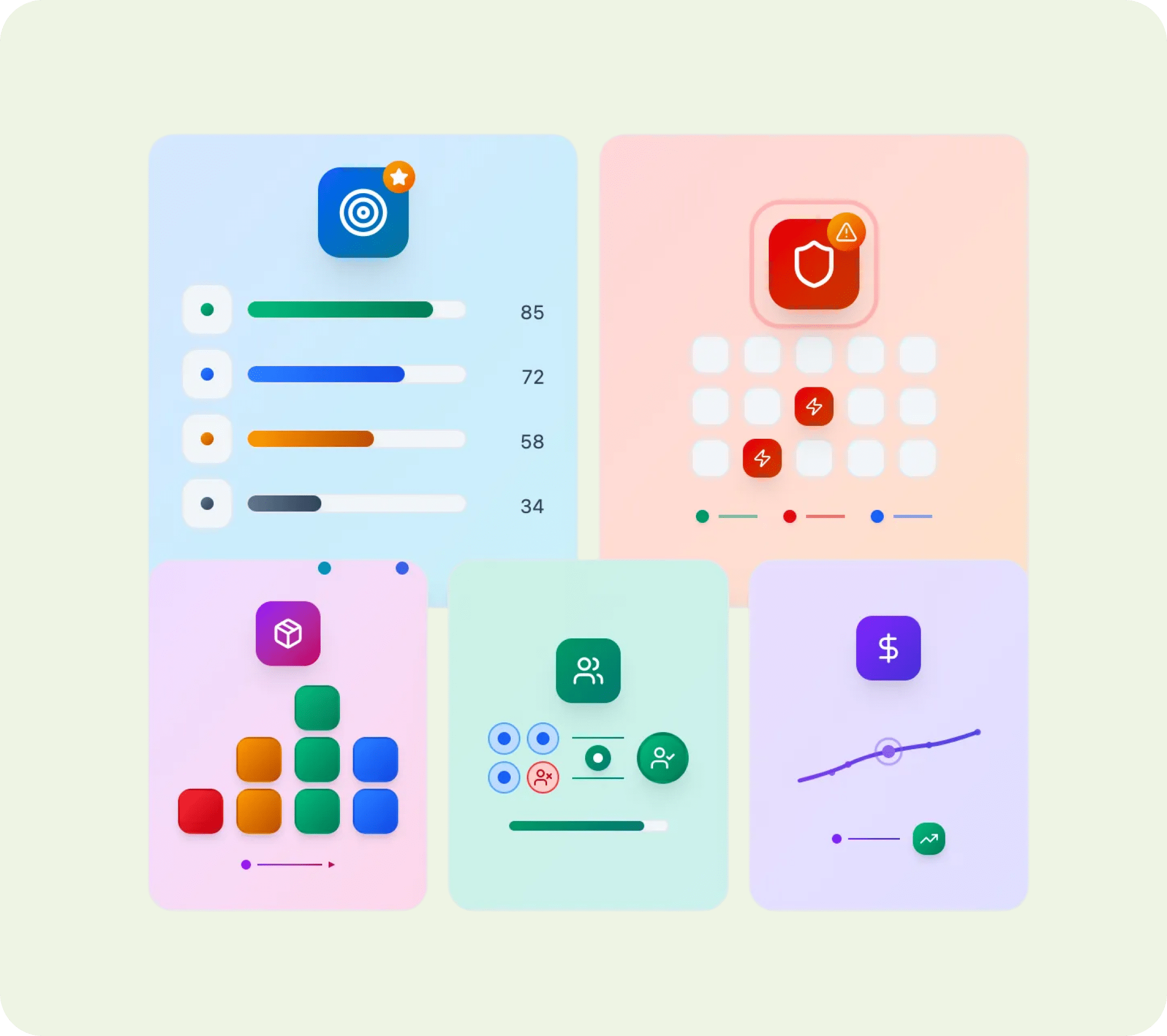
Core Capabilities of Digitraly AI DSS 

10x

Faster
decision-making

72%

Reduction in BI &
reporting workload

100%

Employee empowerment for
decision making

01

Intelligent Layer Powering
Every Decision

Turn Your Data Into Decisions
Starting Today

Ready to Transform?

Let’s discuss how AI can
elevate your business.

Connect with us

sheild Trusted by industry leaders

All You Need to Know

Frequently Asked
Questions

An AI Decision Support System (AI DSS) uses AI, analytics, and automation to help organizations analyze data, monitor KPIs, and make optimal decisions. 

It blends AI-augmented analytics, decision intelligence AI, and decision automation into a single platform. 

Absolutely — natural-language queries make it simple. 

Yes — SQL databases, CRMs, ERPs, warehouses, APIs, spreadsheets, and more.

It connects your data sources, analyzes them with AI, and delivers real-time insights, predictions, and recommended actions. Users ask questions in natural language, and the system instantly responds with decision ready intelligence.

It speeds up decision making, reduces manual analytics work, empowers every employee with self-service insights and provides proactive recommendations instead of static dashboards. 

Start by identifying priority use cases, connect your data sources, define core KPIs, deploy natural-language analytics, and gradually add automated decision workflows. 

It plugs into CRMs, ERPs, databases, APIs, and collaboration tools. AI insights can flow into current processes through alerts, dashboards, automations, and role-based access controls without disrupting existing workflows.